GBP Messaging — direct chat from the profile, with FAQ automation
GBP Messaging lets a customer message you straight from search. Most owners turn it on and ignore it — and within weeks Google removes the button because response time is too slow. I configure Messaging with welcome message, FAQ automation, and ongoing monitoring. ₪380 setup + ₪180/month.
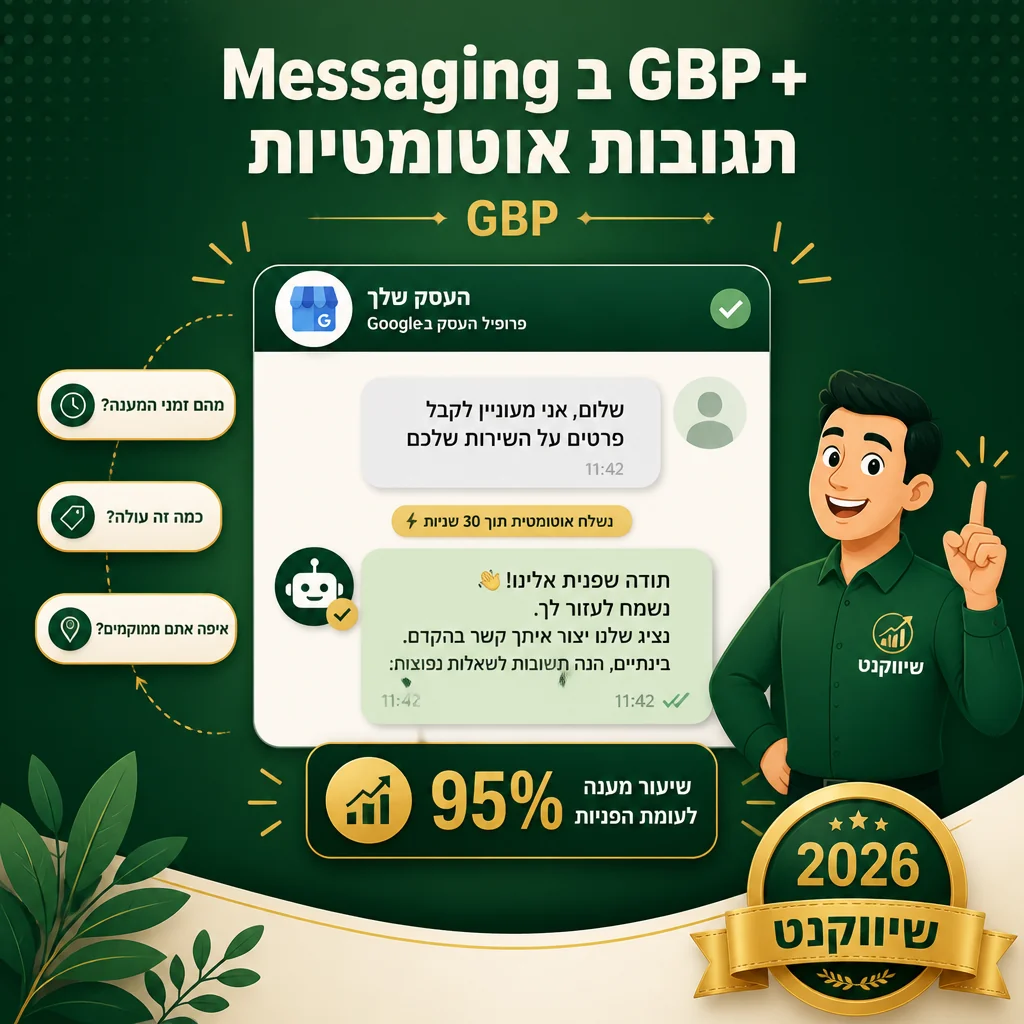
Why GBP Messaging matters
- ✓ Messaging button in the Local Pack lifts engagement 20-30% vs profiles without it
- ✓ Google measures response time — over 24 hours and the button is removed automatically
- ✓ FAQ automation answers 60-70% of incoming messages without owner intervention
- ✓ Messaging data flows to GBP Insights — you measure converted leads from chat
GBP Messaging is the chat button on the profile. The customer messages directly from search, and the message lands in the Google Business app or a WhatsApp Business integration. The failure pattern is identical at every business that tries solo: turn it on, get a few messages, ignore them, response time degrades, Google removes the button.
The one-time setup activates Messaging, configures the welcome message, builds FAQ automation with 8-12 common questions and automatic answers, and connects to the right channel — Google Business app, WhatsApp Business, or a third-party CRM if the team already runs one.
The monthly retainer monitors response time against a 4-hour target during business hours, updates the FAQ as new message patterns emerge, and delivers a monthly conversion report. Without active monitoring the button disappears within weeks of any sustained slow response.
Initial activation + welcome message
Messaging turned on, welcome message in your business voice, response time configured per business hours.
FAQ automation
8-12 common questions get automatic answers — hours, location, pricing, parking. Solves 60-70% of incoming messages without intervention.
Optimal channel selection
Whatever works best for you — Google Business app, WhatsApp Business integration, or a CRM (HubSpot, Salesforce). I pick by your team.
Response-time monitoring
Monthly check that response time stays under 4 hours — over 24 hours and Google removes the button. Active alerting to prevent removal.
How we work
- 1
Channel mapping
Together we pick the right channel — Google Business app, WhatsApp, or CRM — by who answers and how many messages a month.
- 2
Setup + FAQ
Activate Messaging, write welcome, build 8-12 auto-FAQ.
- 3
Test + launch
Send test messages, verify auto-FAQ, train your team on the response interface.
- 4
Monthly monitoring
Response-time check, FAQ updates by message patterns, monthly conversion report.
Active Messaging — one-time setup + monthly support
Setup includes activation, welcome, FAQ, and testing. Monthly support includes response-time monitoring, FAQ improvement, and seasonal updates.
Get a custom quoteOr see all SEO packages →
FAQ
What if I cannot answer in 4 hours?
FAQ automation is the answer. 60-70% of messages are routine questions (hours, location, parking, pricing) that get auto-answered instantly. Only the remaining 30-40% require human reply — and that is the volume manageable within 4 hours during business hours. Without FAQ Messaging is a trap. With FAQ it is a real channel.
Should I use WhatsApp Business integration?
Yes when the team already manages WhatsApp Business. Integration is one-time and lets you answer from a channel you are already on. The exception: if you cannot maintain separation between Messaging from GBP and personal WhatsApp, stay on the Google Business app.
Does GBP Messaging compete with WhatsApp on the profile?
They are two different buttons — Messaging is on Google's side, WhatsApp link is direct to WhatsApp. The recommendation: both. Some customers prefer Google chat, others prefer WhatsApp. Two channels = more leads.
Let us help
Send a message describing what you need and we will reply with a quote and recommended next step within an hour during business hours.
Related
- SEO service · GBP management Google Business Profile management — the highest-leverage...
- SEO service · Booking GBP Booking setup — a Book button on the profile, synced ...
- SEO service · Q&A GBP Q&A management — seed real questions, answer within 2...
- SEO service · Services list GBP services list — each service with description and a s...
- SEO service · GBP Posts GBP Posts management — fresh posts every week with a CTA