GBP description: up to 750 characters that customers understand fast
I write a description of up to 750 characters that tells a customer within seconds what you do, where, and why to choose you. Short sentences, real advantages and the words your customers use, with no slogans and nothing that breaks Google's guidelines. ₪290 one-time.
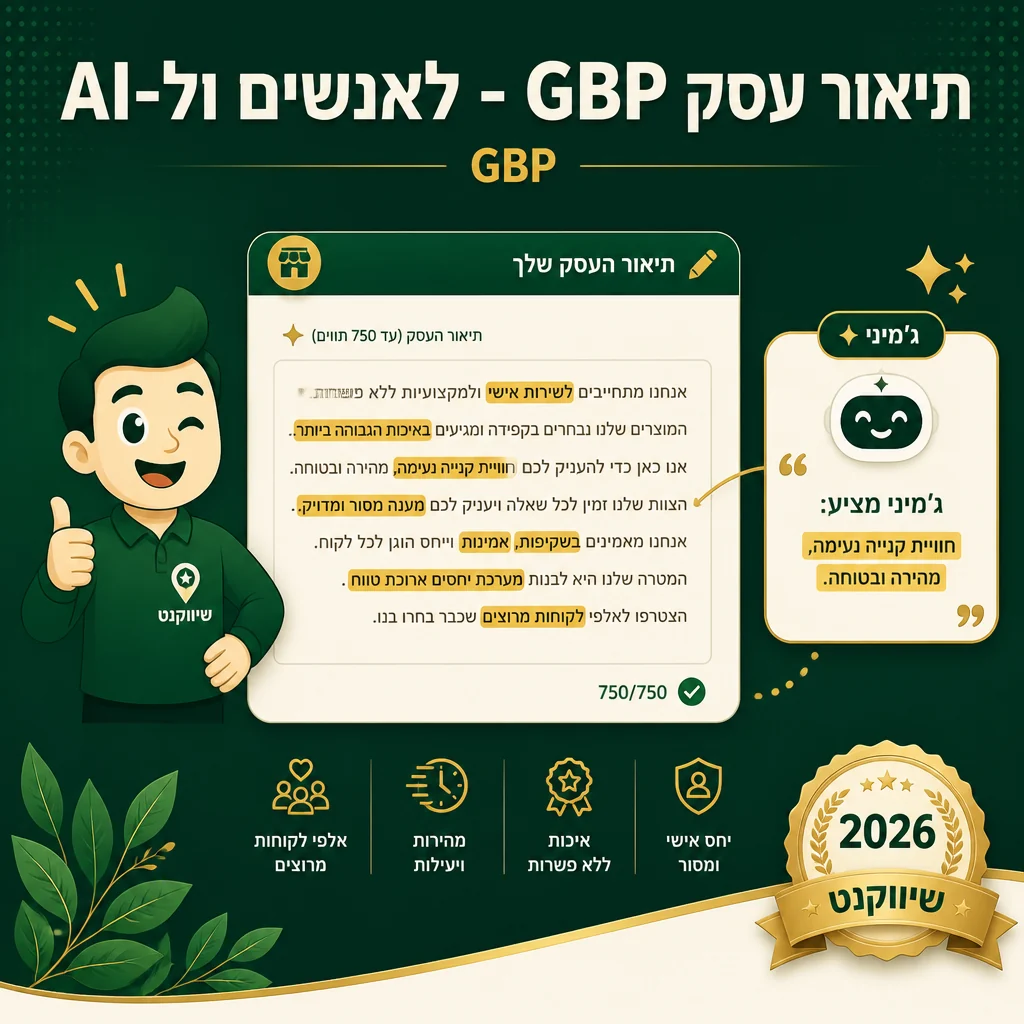
Why the description is worth the effort
- ✓ The description appears on your profile, and a customer comparing businesses on Maps reads it before calling
- ✓ According to Google, complete and accurate information helps match the business to the right searches, and the description is part of that information
- ✓ 750 characters is tight, so every sentence has to say something specific: a service, an area or a real advantage
- ✓ Google's guidelines prohibit links, promotional offers and misleading content in the description, and a description that breaks them may not be published
Google Business Profile includes a description field of up to 750 characters. It is where you explain in your own words what the business does, who it is for and what sets it apart, beyond the name, category and hours.
Most descriptions I get handed look the same: one long paragraph cramming slogans like "industry leading", "service excellence" and "dedicated team". A customer learns nothing from that. A good description is built from short sentences, each saying something specific: what you do, where you work, and what the customer gets from you and not from the competitor.
The rewritten description combines your core services, the area you serve and advantages you can genuinely stand behind, in natural language and within Google's guidelines. If Google already suggested an automatic description, I edit it instead of starting from scratch.
Up to 750 focused characters
Core services and service area, such as the neighborhood or a well-known landmark, woven in naturally rather than stuffed.
Short, clear sentences
Each sentence stands on its own and says one thing, so even a customer who skims understands what you offer.
Real advantages that set you apart
2-3 advantages you can actually prove, such as "open from 7:00 AM" or "written warranty", not empty slogans.
Checked against the guidelines
No links, promotional offers or claims that break Google's guidelines, so the description is approved and stays on the profile.
How we work
- 1
Raw material gathering
A 30-minute interview to gather unique advantages, service areas, and what sets you apart from competitors in the area.
- 2
Competitor check
Read the descriptions of prominent competitors in your area and identify what they miss and what you can say that they do not.
- 3
Write the description
Up to 750 characters with short sentences, core services, service area and clear advantages.
- 4
Check and deploy
Update the description on the profile and confirm it was approved and displays correctly on Maps and in search.
A business description customers understand fast
Includes a 30-minute interview, competitor check, writing, and editing of an existing Google-suggested description if present. Unlimited revisions within 14 days.
Get a custom quoteOr see all SEO packages →
FAQ
Does the description affect ranking?
Google does not publish a weight for the description. What Google does say is that complete and accurate information helps it match the business to searches, and that local ranking is based on relevance, distance and prominence. The description is part of that information, but its main job is to convince the customer who is already looking at the profile. A good description will not move you to the top on its own.
How often can it be changed?
Google sets no official limit on edit frequency. Each edit is reviewed before it goes live, so there is no point changing it for its own sake. I write a description that holds for a long time, then refresh it when something real changes: a new service, a new branch or a new service area.
Should I add emojis?
My recommendation: in most cases, no. Businesses aimed at a younger audience can consider one or two, but in professional services such as law, accounting or medicine they undercut the seriousness customers expect.
Let us help
Send a message describing what you need and we will reply with a quote and recommended next step within an hour during business hours.
Related
- SEO service · GBP management Google Business Profile management — the highest-leverage...
- AI + GBP Presence in Google's AI answers for local search
- SEO service · Categories GBP category selection: a precise primary and relevant se...
- SEO service · Services list GBP services list: each service with a description and a ...
- SEO service · Attributes GBP attributes: accessibility, identity, and service details